
KC for Mac: press kit and review guide
KC is a Mac app for adults that brings the video and live-cam sites you choose into one window: each site's own feed, a desktop player and a local video library for the videos you may keep.
Try KC for Mac freeThe installer requires no registration or purchase. Apple Silicon, macOS 12 or later. Adults 18+ only. Current release: KC 1.0.

Product details
- Product: KC for Mac, for adults 18 and over.
- Current release: KC 1.0. Verify the release and DMG SHA-256 in the download center.
- Requirements: Apple Silicon (M-series) Mac with macOS 12 or later. Intel Macs are not supported.
- Installation: a DMG; drag KC into Applications. The app and DMG are Developer ID signed and Apple-notarized.
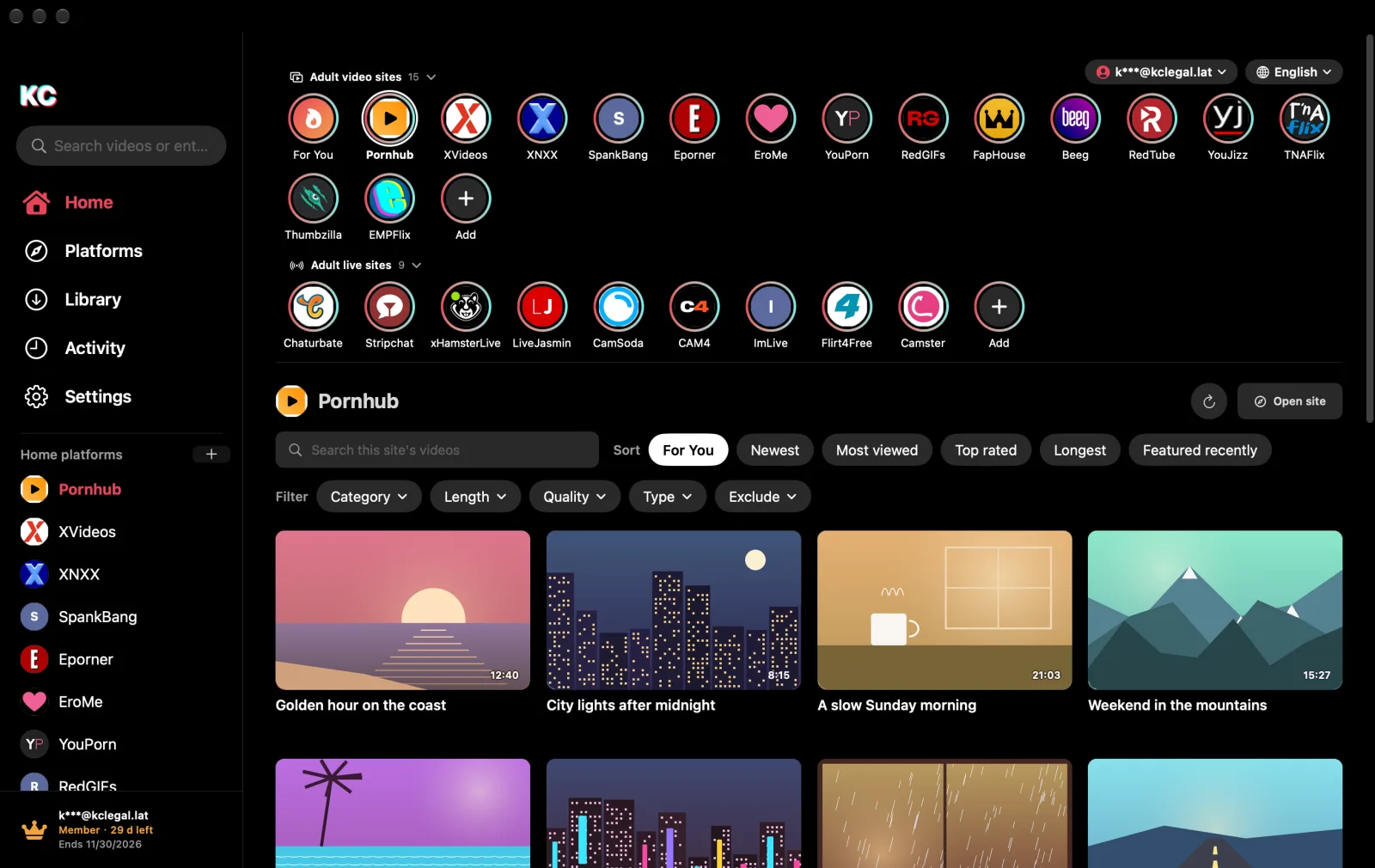
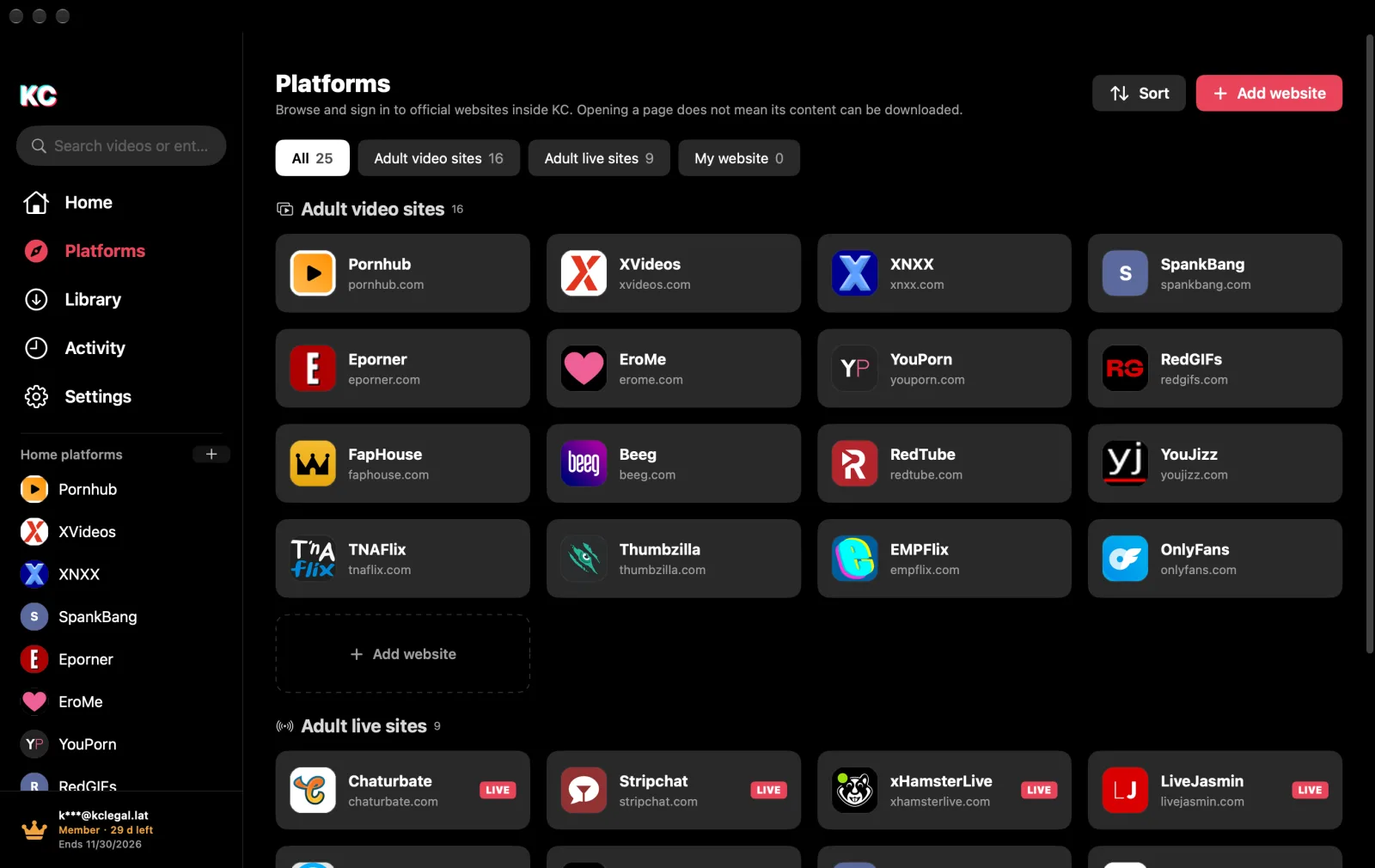
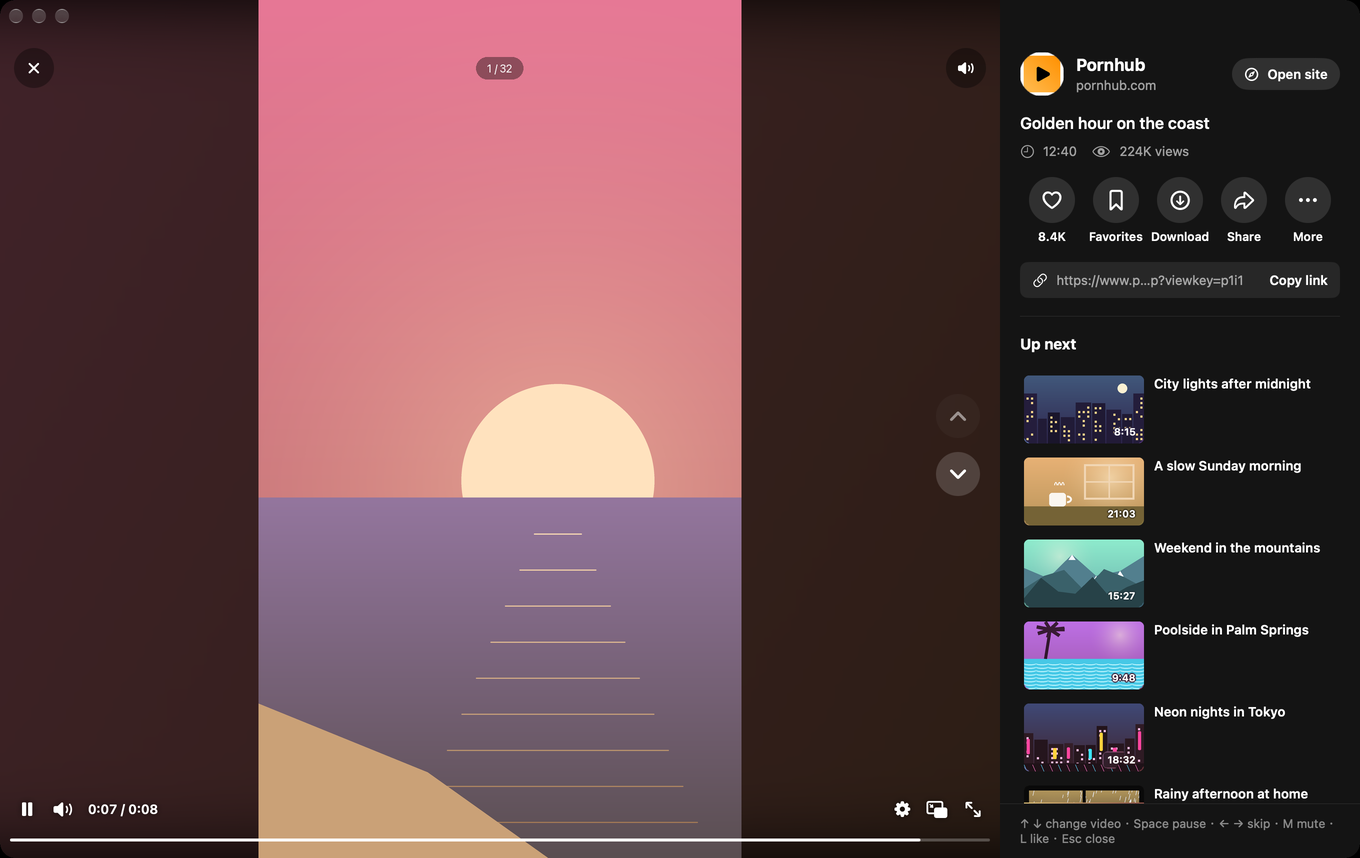
- What it does: 25 adult video and live-cam sites built in, plus any public website you add; each site's own feed, search, sort and filters; a desktop player with keyboard control and the site's view and like counts; a built-in browser with tabs; downloads to a local video library sorted and grouped like Finder; likes, favorites, watch history and Touch ID–protected private videos.
- Languages: English, Chinese, French, Russian, Spanish and Arabic.
Access and limits
KC is free to try: 24 hours without an account, or 7 days from sign-up with a free KC account, which saves up to 5 videos a day (one video counts as one, reset at 00:00 UTC). After the trial, KC needs a membership, which also removes the daily limit. During the trial, free and member accounts see the same app.
KC does not host or sell videos. Websites keep their own terms, sign-in and age verification, and KC never answers them on the user's behalf. Download support depends on the site and the video; live streams can be watched but not saved. Only save content you have the right to keep.
A reproducible review workflow
- Install and note the environment: verify the DMG version and checksum, install in Applications, and note your Mac model and macOS version.
- Browse without an account: pick a site on the home page, open a video in the player and try the keyboard controls.
- Sign in and download: sign in with a free KC account, download one video you may keep and follow it in the video library.
- Watch it offline: disconnect and watch the saved video from the video library.
Report what actually happens on your Mac, successes and failures alike. No speed benchmark, success rate or endorsement is supplied here.
Original media
Use these first-party files to illustrate a KC review, with a KC credit and a link to kclegal.lat. The screenshots show sample content only.
| Asset | Format and size | Download |
|---|---|---|
| KC app icon | PNG · 1024 × 1024 | Download app icon |
| Home page | PNG · 1360 × 858 | Download home page screenshot |
| Home page, dark mode | WebP · 1600 × 1010 | Download dark home page screenshot |
| Platforms | WebP · 1600 × 1010 | Download Platforms screenshot |
| Video player | PNG · 1360 × 858 | Download player screenshot |
| Video library | PNG · 1360 × 858 | Download video library screenshot |
| Product tour | MP4 · 1600 × 1010 · 16 s · no sound | Download tour video |



Video player
Video library

Contact us
For product questions, assets or review support, write to zjhto25@gmail.com with the tested version. Do not send passwords, account tokens or private media.